data · Documented
Call Center KPI Dashboard
Handle time, occupancy, and SLA risk in Excel and Power BI.
Overview
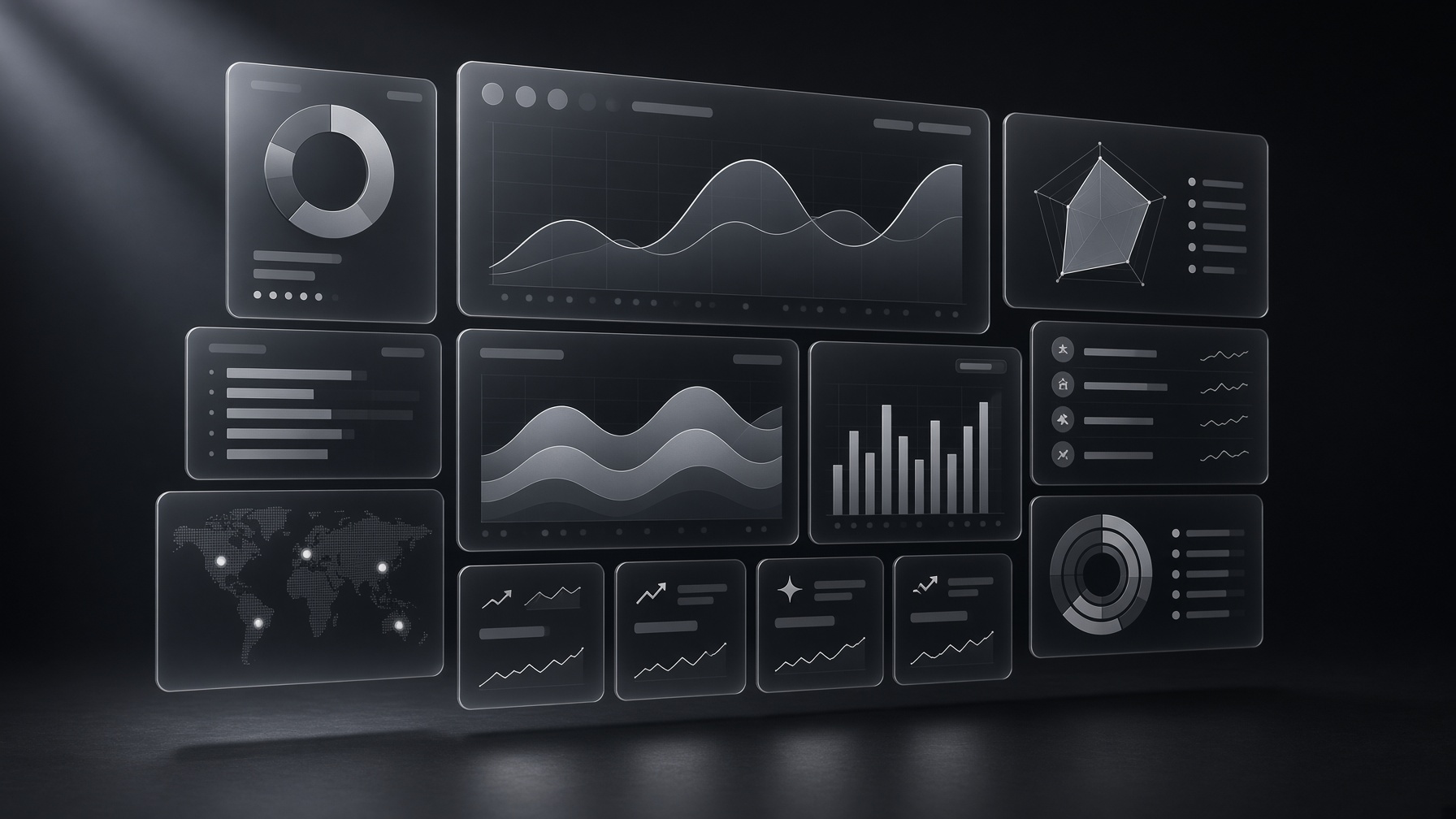
A business-intelligence dashboard for call-center operations: handle time, occupancy, and SLA risk, built so a team lead can see the day without a new extract.
Problem
Call-center KPIs are known. They are often split across exports, so occupancy and SLA risk are never on the same page as handle time.
Solution
One reporting model in Excel and Power BI, prepared with Power Query, SQL, and pivot tables.
Architecture
- Operational KPIs: handle time, occupancy, SLA risk.
- Power Query and SQL for preparation.
- Excel and Power BI for the reading layer.
- Demo 6 in the library.
Technology stack
- Excel
- Power BI
- SQL
- Power Query
- Pivot Tables
Features
- A single view of the three numbers a floor actually manages.
Challenges
- SLA definitions differ by desk. The dashboard has to show the definition it used.
Results
- Public demo PDF. No center size or improvement percentage is published.
Lessons learned
- Three KPIs, defined, beat a wall of gauges.